 ChatShelf
Save chats into folders
One click from a floating button stores the title, link, and an optional note. Use a folder per client, project, course, or idea.
ChatShelf is a free Chrome extension that organizes your chats and saves the prompts you reuse every day. Your data stays in your browser. No account, no tracking, no subscription.
Works in Chrome, Edge, Brave, and Arc. Claude support is in beta.
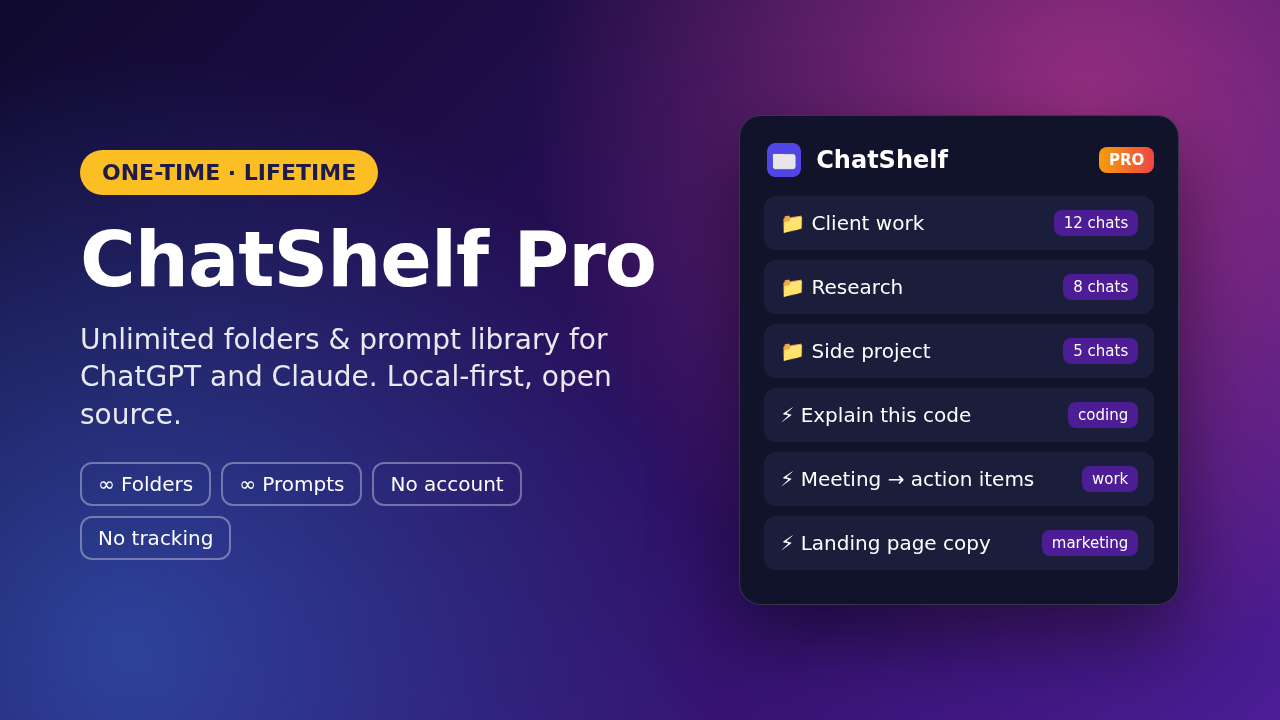
Your ChatGPT sidebar fills up with chats named “New chat.” You retype the same prompts every day. ChatShelf fixes both, without leaving the page.
One click from a floating button stores the title, link, and an optional note. Use a folder per client, project, course, or idea.
Keep the prompts you actually use and insert any of them straight into the ChatGPT or Claude composer.
Load a .chatshelf.json pack in Settings. A free 20-prompt sample is included in the GitHub repository.
Download your library as JSON, or restore it later. License keys are omitted from exports.
ChatShelf does not copy your conversation history. It only stores what you explicitly save or type into the library.
No build step. Load the unpacked folder in your browser and you are running. Updates are a reload away.
The extension is free to use with limits. ChatShelf Pro is a one-time purchase of $7 USD. There is no subscription.
Free
ChatShelf Pro
ChatShelf is not listed on the Chrome Web Store yet. Install it directly from the public repository.
Open the GitHub repo, choose Code → Download ZIP, and unzip it. Or clone the repository.
Go to chrome://extensions, turn on Developer mode, click Load unpacked, and select the folder that contains manifest.json.
Visit chatgpt.com and click the purple folder button in the bottom-right corner. For Pro, paste your license key in Settings and activate.
After purchase, your license key appears on the confirmation page and in your email. Open ChatShelf → Settings, paste the key, and click Activate. The key works in up to 3 browsers.
Only on your device, in the browser’s extension storage. There is no ChatShelf account and no cloud copy of your folders or prompts. See the Privacy Policy for details.
Payments for ChatShelf Pro are processed by Creem as merchant of record. The price is $7 USD, one-time. Tax may be added at checkout depending on your location.
You can request a refund within 14 days of purchase by emailing kilhsrito@163.com. Refunded licenses are disabled and will no longer unlock Pro.
No. ChatShelf is an independent, open-source project. It is not affiliated with, endorsed by, or sponsored by OpenAI or Anthropic.